





Sep 20 · 5 min read
iOS 26: Features, Fights, and Why Your iPhone Might Be Smarter Than Your Roommate
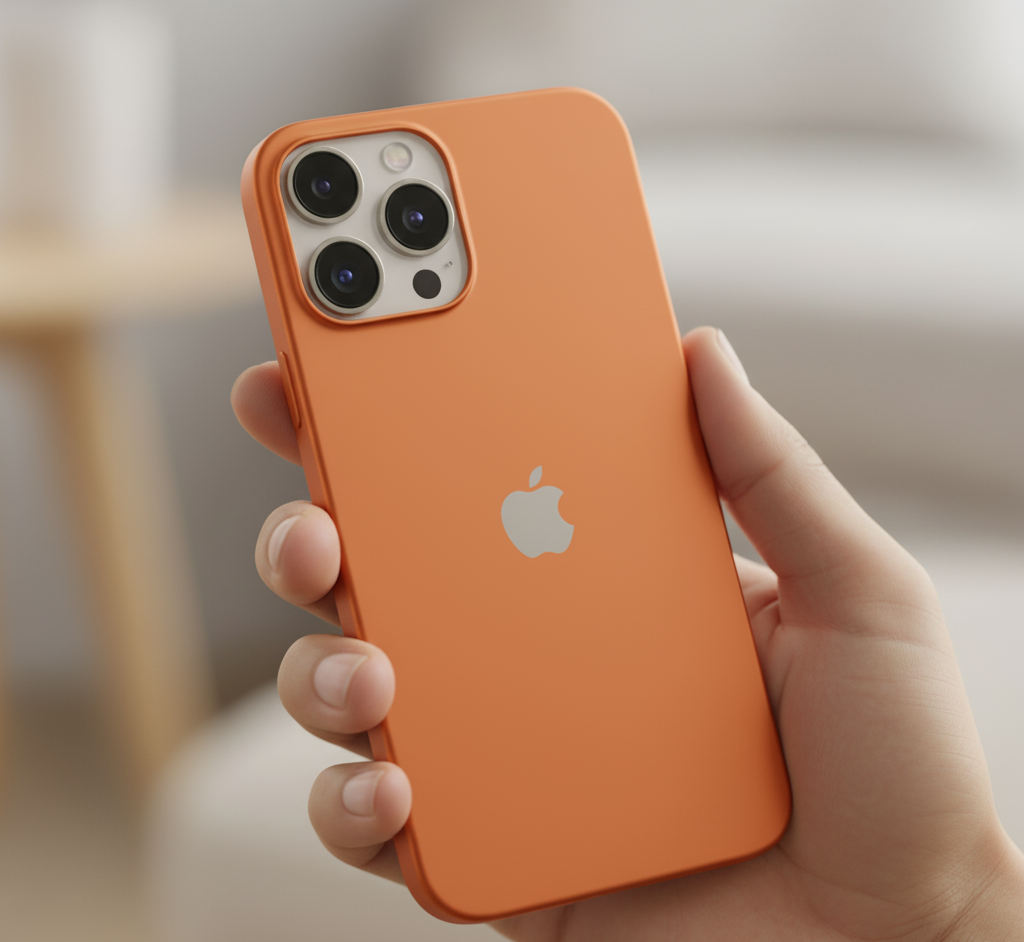
Apple just dropped iOS 26 and the internet is doing what it does best: fighting. Some fans are calling it the best update since instant noodles, while others claim their iPhones now look like cheap knock-offs. Classic Apple drama, right?
But beyond the memes and Reddit threads, thereââ'¬â"¢s a lot happening here. Think of this as your cheat sheet. Like those last-minute notes before an exam, except instead of Java programming, itââ'¬â"¢s your phone upgrade at stake.
Hereââ'¬â"¢s What Weââ'¬â"¢ll Cover
- The headline feature: Call Screening (aka Spam Call Slayer - ï¸)
- How to prep before updating (donââ'¬â"¢t learn the hard way)
- The fan vs hater war over Liquid Glass
- Step-by-step guide to rolling back to iOS 18
- Battery hacks every student needs
- Why Android folks are sneaking back to iPhones
- Extra fun in Messages (polls, wallpapers)
- And how dels2buy.in quietly makes your upgrade life easier
The Star of the Show: Call Screening
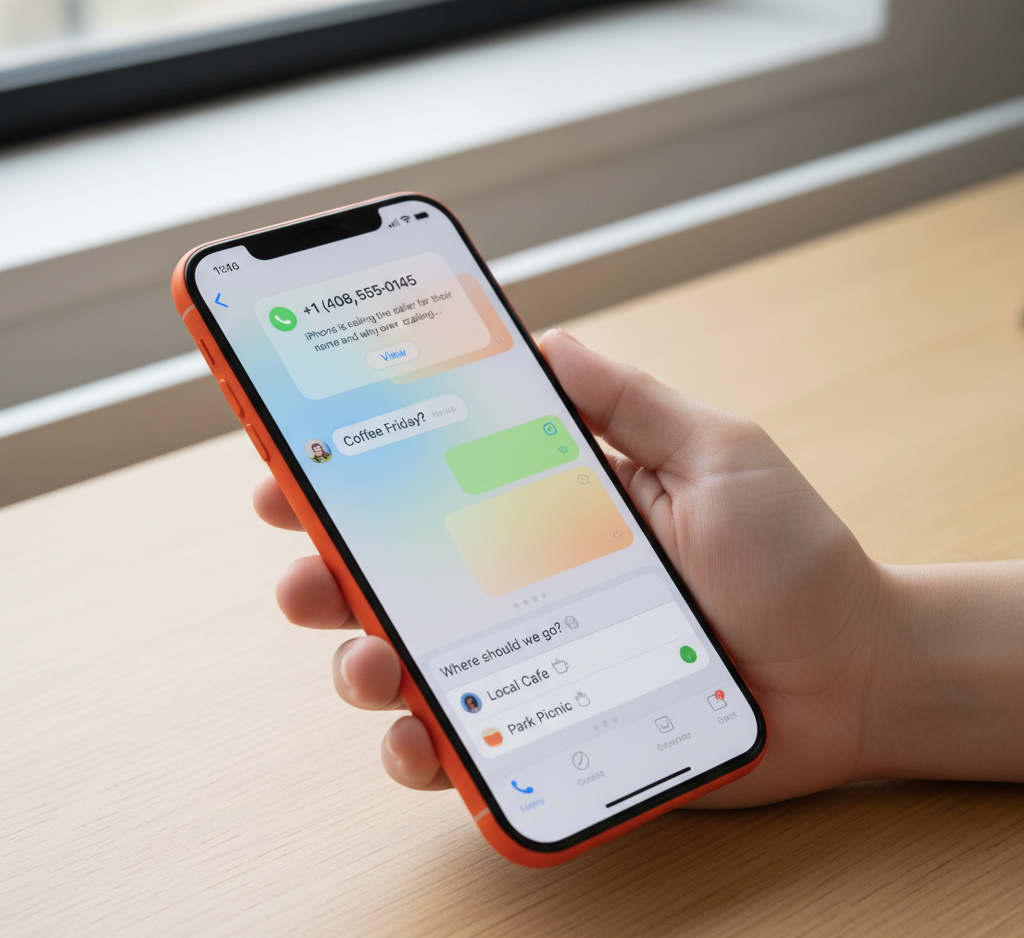
Ever been woken from a nap by a stranger asking if you want a credit card? iOS 26 has your back. Call Screening makes your iPhone feel like it hired a bouncer.
- Unknown caller rings? No instant interruption.
- Your iPhone politely asks: ââ'¬Å"State your purpose.ââ'¬
- Caller responds. Then your phone buzzes and shows you the reason.
- You decide: answer, ignore, or voicemail.
Itââ'¬â"¢s like a security guard at your dorm door. Spam calls stop at the gate. Real people get through.
Your Options
- Never: Turns off Call Screening (why would you do this?).
- Ask Reason: The sweet spot ââ'¬" callers explain themselves first.
- Silence: Unknown calls go straight to voicemail.
And yes, Siri is the voice of this bouncer. If youââ'¬â"¢ve given her that cheeky British accent, itââ'¬â"¢s even funnier.
College Analogy TimeÂ
Imagine ordering pizza in your dorm. Without Call Screening, random people barge in asking for slices. With it, a sign on your door demands: ââ'¬Å"State your reason.ââ'¬ Suddenly, freeloaders vanish. Magic.
Before You Update: The Golden Rule
Updating iOS is not like sleepily clicking ââ'¬Å"Update Now.ââ'¬ Itââ'¬â"¢s more like prepping for finals ââ'¬" if you skip the basics, regret follows fast.
- Charge Up: At least 50% battery, or plug it in.
- Back Up: Trust me, you donââ'¬â"¢t want to lose your notes.
- Wi-Fi: These updates are data hogs. Donââ'¬â"¢t burn your mobile plan.
- Patience: Like freshmen finding the cafeteria, iOS needs a few days to settle.
Fans vs Critics: The Internet Reacts
No update is complete without drama. Hereââ'¬â"¢s what people are saying:
The Fans
- ââ'¬Å"No more spam calls. Life-changing.ââ'¬
- ââ'¬Å"The camera button finally makes sense!ââ'¬
- ââ'¬Å"Animations are so smooth. I feel fancy.ââ'¬
The Critics
- ââ'¬Å"Liquid Glass? More like Liquid Trash.ââ'¬
- ââ'¬Å"My phone lags worse than my old laptop.ââ'¬
The Liquid Glass Divide
Appleââ'¬â"¢s big design move in iOS 26 is ââ'¬Å"Liquid Glass.ââ'¬ Think frosted panels and shiny reflections everywhere. Some users love the glossy vibe. Others swear their iPhone now looks like a $120 Android. Painful.
Truth? Itââ'¬â"¢s like Instagram redesigns. At first, everyone hates it. Then, a week later, nobody remembers the old version.
How to Roll Back to iOS 18
Not vibing with Liquid Glass? You can roll back ââ'¬" for now. Hereââ'¬â"¢s the crash course:
- Back up your data (iCloud or computer).
- Turn off Find My iPhone.
- Download iOS 18.6.2 IPSW file (specific to your device).
- Plug into Mac/PC and enter DFU mode (button gymnastics included).
- Click ââ'¬Å"Restore iPhoneââ'¬ while holding Option (Mac) or Shift (Windows).
- Select the IPSW file. Wait. Youââ'¬â"¢re back in iOS 18 land.
Warning: this loophole wonââ'¬â"¢t stay open. Apple closes old versions eventually. So enjoy the nostalgia while you can.
Battery Life HacksÂ
iOS 26 has shiny features, but your battery is still mortal. Hereââ'¬â"¢s how to stretch it:
- Lower brightness (donââ'¬â"¢t blind yourself anyway).
- Turn on auto-brightness.
- Enable Dark Mode (emo and efficient).
- Switch off Always-On Display.
- Use Wi-Fi over data (when campus Wi-Fi isnââ'¬â"¢t a potato).
- Disable ââ'¬Å"Hey Siri.ââ'¬
- Stop background app refresh (your apps donââ'¬â"¢t need 24/7 snacks).
- Cut down widgets on lock screen.
- Use Low Power Mode & Adaptive Power Mode together.
Do this and your iPhone lasts longer than Maggi stretched into three meals.
Why Android Users Are Jumping Ship
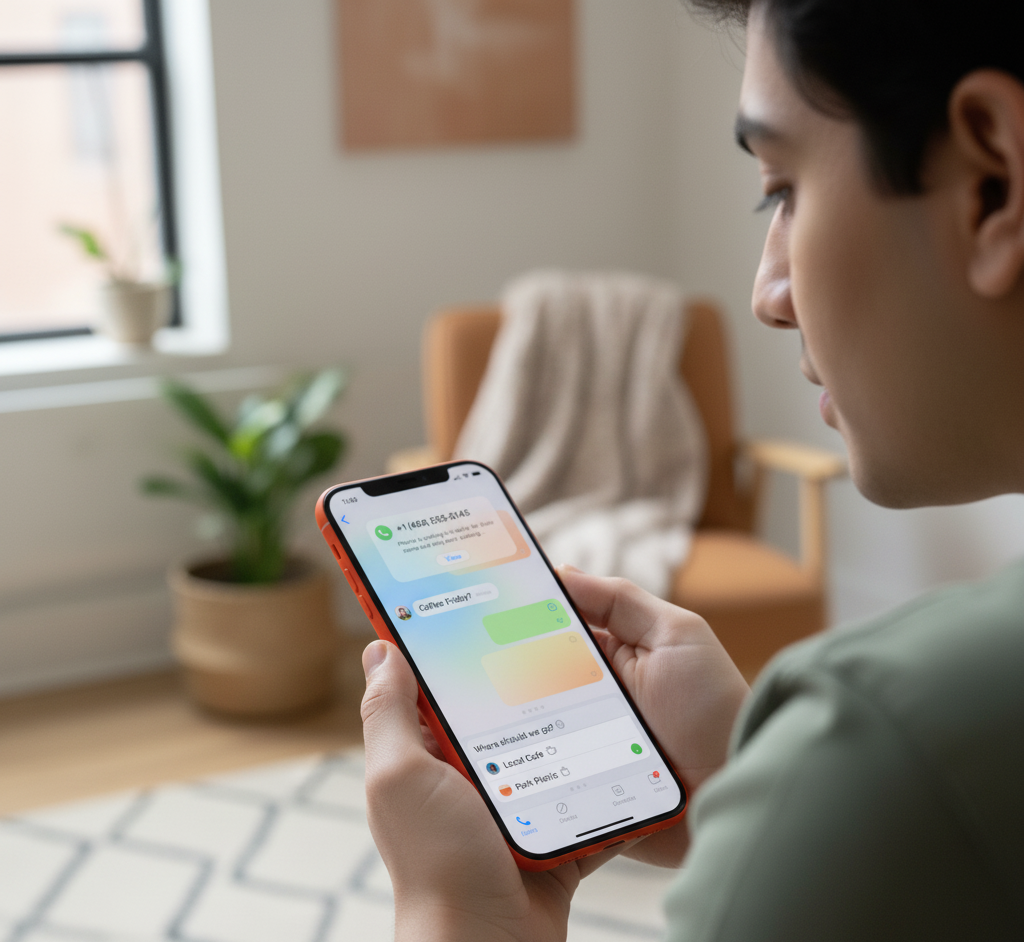
Surprise twist: iOS 26 is pulling Android folks back. And the reason? Call Screening. Android had versions of it, but Apple polished it. After Reddit got wind of it, posts like:
- ââ'¬Å"Ok, Iââ'¬â"¢m back to iPhone.ââ'¬
- ââ'¬Å"This feature alone is worth it.ââ'¬
started showing up. Small feature, big win. Thatââ'¬â"¢s Appleââ'¬â"¢s marketing in a nutshell.
Fun Extras in Messages
Apple also tossed in some lighthearted updates:
- Polls: Perfect for ââ'¬Å"whatââ'¬â"¢s for dinner?ââ'¬ debates.
- Chat backgrounds: Set memes or selfies as wallpaper to annoy your friends.
Not game-changers, but fun for group chats.
So, Is iOS 26 Worth It?
The honest breakdown:
- If spam calls drive you nuts â†' Yes, update now.
- If you like the shiny look â†' Yes.
- If you have an older iPhone â†' Maybe hold off.
- If youââ'¬â"¢re loyal to iOS 18 â†' Roll back fast.
Think of it like cafeteria food. Some days, itââ'¬â"¢s pizza. Other days, mystery curry. Either way, youââ'¬â"¢re eating it eventually.
Where dels2buy.in Fits In
Now letââ'¬â"¢s connect the dots. While Apple helps you fight spam calls, dels2buy.in helps you fight shopping chaos.
- Want the best deals on iPhones, laptops, or accessories? They gather it all in one place.
- On a budget? Their listings make sure you donââ'¬â"¢t go broke.
- Canââ'¬â"¢t decide what to buy? Their comparisons are faster than your roommate picking a Netflix show.
Basically, iOS 26 makes your phone smarter. Dels2buy makes your spending smarter. Perfect combo.
Final ThoughtsÂ
iOS 26 proves little things make a big splash. Call Screening is the hero, Liquid Glass is the drama queen, and the rest ââ'¬" from battery tweaks to chat wallpapers ââ'¬" round out the package.
But the real secret? Knowing how to shop smarter, not just how to update smarter. Thatââ'¬â"¢s where dels2buy.in saves the day.
So, stay spam-free. Stretch your battery. And never overpay. Thatââ'¬â"¢s the iOS 26 lifestyle.


